01
Operate
Know where the call came from. Decide where it goes.
Connect tracking, campaign rules, routing, and real-time bidding before a conversation reaches its destination.
Call operations →The Moja platform
Move from a source to a conversation to an informed next step—without treating the call, its data, and the decisions around it as separate businesses.
Working from customer context, within the scope and controls enabled for your account.
Meet Nell →Governed context
The customer Primer connects what happened on a call—or before one—with traffic, routing, configuration changes, buyer eligibility, timing, rules, decisions, and evidence. Seeing revenue decline tells you the result. Seeing it beside a recent configuration change gives Nell a stronger place to begin an investigation—without treating correlation as cause or assuming an intentional pause was a mistake.
You should not have to become a detective to understand why your business changed. This is context for the system—not a second voice agent.
System overview—not a product screenshot or an account-availability matrix. Company Primer is Moja’s internal deployment, separate from the customer Primer.
Follow one call
01
Connect tracking, campaign rules, routing, and real-time bidding before a conversation reaches its destination.
Call operations →02
Pulse makes your performance visible. Nell, your personal assistant inside Moja, helps you investigate what’s driving it and move from questions to action—without leaving the product.
Meet Nell →03
Use a distinct voice agent for an inbound conversational segment, collect structured answers, and return control to configured routing.
Explore Voice Agents →Voice agents execute the conversational job. Routing controls the destination before and after that job.
Pulse makes performance visible. Nell helps you investigate what is driving it, recommends what to do next, and takes you into the relevant Moja workflow. The enabled controls and approvals still govern what can be completed.
The operator stays in the picture
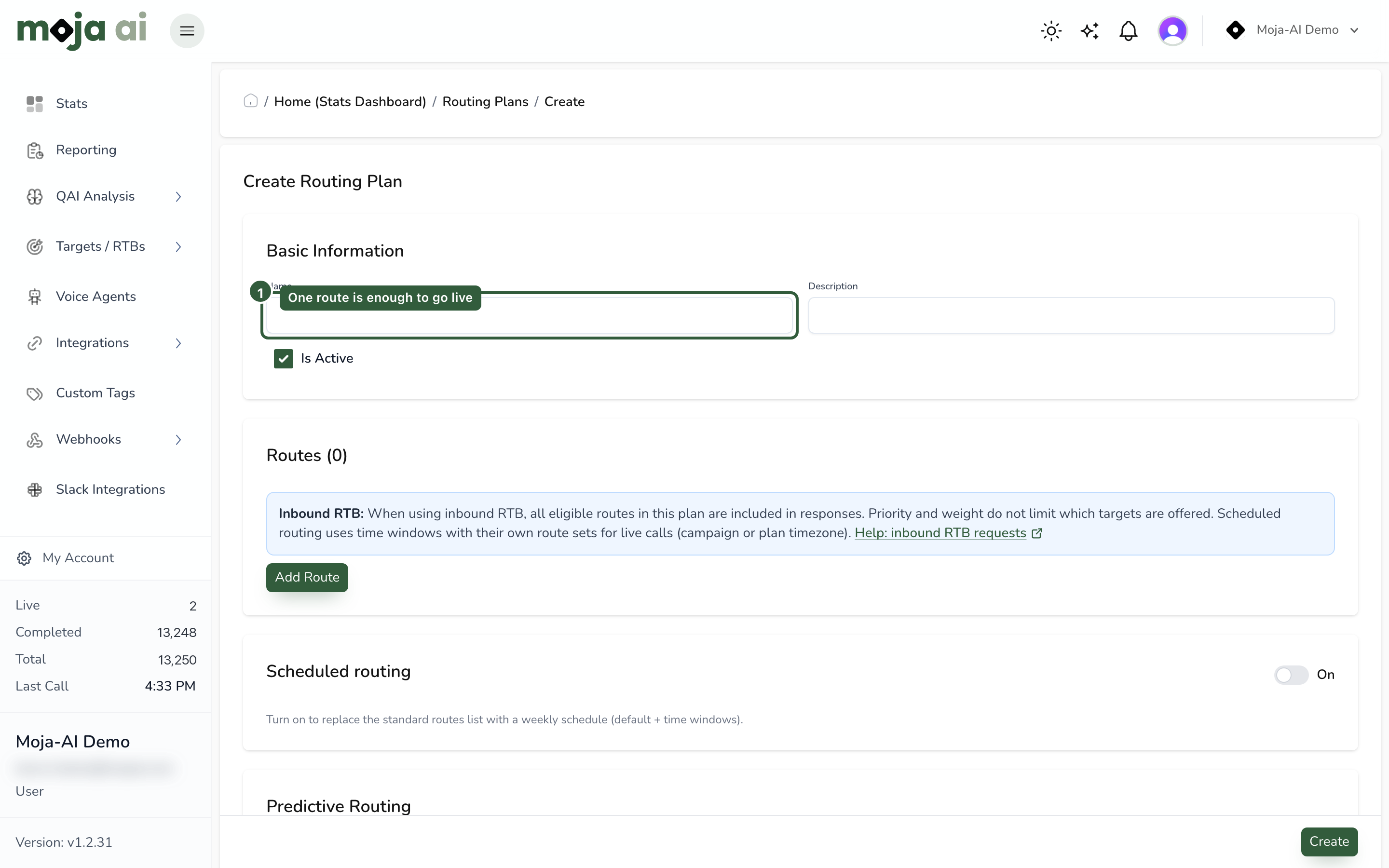
Campaign configuration, targets, schedules, and routing rules remain tangible operating controls. A voice agent can be a step in that call flow, rather than a new system your traffic must work around.
Evaluate the whole system
See the configuration you can bring, the systems you need to connect, and the costs of the legs that leave the network. Your demo should make boundaries clear—not hide them behind a feature list.